
Table of Contents
Personal Finance Tools We Actually Use
This page may contain affiliate links, for more information see DISCLOSURES
Most financial advice tells you what to do. Tools are what help you actually do it.
This is a curated list of financial tools we’ve used, tested, or seen our community use in real life. Not every tool is for everyone — and that’s kind of the point.
🔎 Jump to:
- Dashboard & Net Worth Tracking
- Budgeting & Day-to-Day Money
- Retirement & Financial Independence Planning
Need help figuring out which tools actually make sense for your situation and how to use them?
If you’re not sure what tools fit your situation, this is exactly what WPF Insiders can help with.
Tools are helpful. Figuring out how to use them in your real life is where things usually get stuck.
We talk through budgets, spending, investing, and retirement planning together every week on Zoom and continue those conversations daily inside our Discord.
All-in-One Money Overview (Dashboards & Net Worth Tracking)
If you want to see all your accounts, spending, investments, and net worth in one place, this is where to start.
Empower – WPF Pick (All-in-One Money View – Free)

Empower Empower is our top pick (and personal daily use favorite) for those who want a comprehensive financial overview without any costs attached.
This app delivers a full snapshot of your finances, helping you manage everything from budgeting to monitoring your investments plus retirement planning and projections.
It’s perfect for users who want to stay on top of their financial health without diving into complex planning.
Budgeting & Day-to-Day Money
If your money feels scattered or hard to track, this is where to start. These tools help you organize your spending, plan ahead, and reduce the mental load of managing money.
These are tools we either use ourselves or regularly see inside our community conversations.
Monarch Money (Budgeting – 7-Day Free Trial)

Get 50% off your first year of the Monarch Core Plan here!
For the visual planner in you, Monarch Money offers a sleek, intuitive way to see your full financial picture in one place. It’s ideal for folks who want a modern, collaborative tool that blends budgeting, goal setting, and investment tracking without needing to assign every dollar a job.
Use our WPF link to start your free 7-day trial and see how it transforms your money mindset.
While we’ve got a long history of love for YNAB in the WPF community (and it definitely still has a loyal fan base) we’ve been hearing more and more people fall for Monarch lately.
The two serve different styles:
- YNAB is for the meticulous budgeter who thrives on structure and loves giving every dollar a mission.
- Monarch, on the other hand, appeals to folks who want a broader view, a little more automation, and an easier way to track shared finances or big-picture goals.
We know there’s no right way to manage your money – just the one that fits your brain, your life, and your values best.
Crew – WPF Pick (Banking + Budgeting – Free)
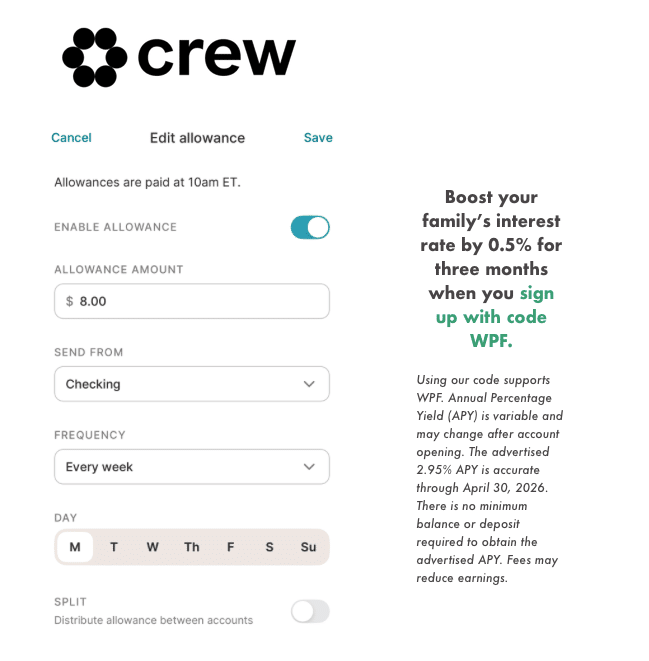
Angela is currently using Crew with her 11-year-old, who just got his first debit card — it’s been a simple way to start practicing real-world money skills with some guardrails in place.
Crew is a banking app that combines checking, budgeting, and automation in one place. Instead of tracking your money after the fact, it helps you organize it as it comes in — so you know what’s available for bills, spending, and saving before you swipe your card.
You can split your money into “pockets” (like rent, groceries, or savings), automatically divide your paycheck across them, and even set rules to move money for you. Your debit card then pulls from the right bucket, so your day-to-day spending actually lines up with how you intended to use your money.
We especially like this for folks who feel like budgeting tools live separate from their real financial life. Crew brings those together — along with high-yield checking — so you’re not juggling multiple apps or subscriptions.
It’s also one of the few tools that meaningfully supports shared and family money management. You can add partners or kids, give them their own logins and debit cards (and e-debit cards!), and set up things like allowances and spending visibility.
New Crew customers who sign up with code “WPF” get a 0.5% APY boost for three months.
Crew is a financial technology company, not a bank. Banking services provided by Bangor Savings Bank, Member FDIC. Annual Percentage Yield (APY) is variable and may change after account opening. FDIC insurance coverage protects against the failure of an FDIC insured depository institution. Pass through FDIC insurance coverage is subject to certain conditions.
You Need A Budget (YNAB) (Budgeting – 34-Day Free Trial)
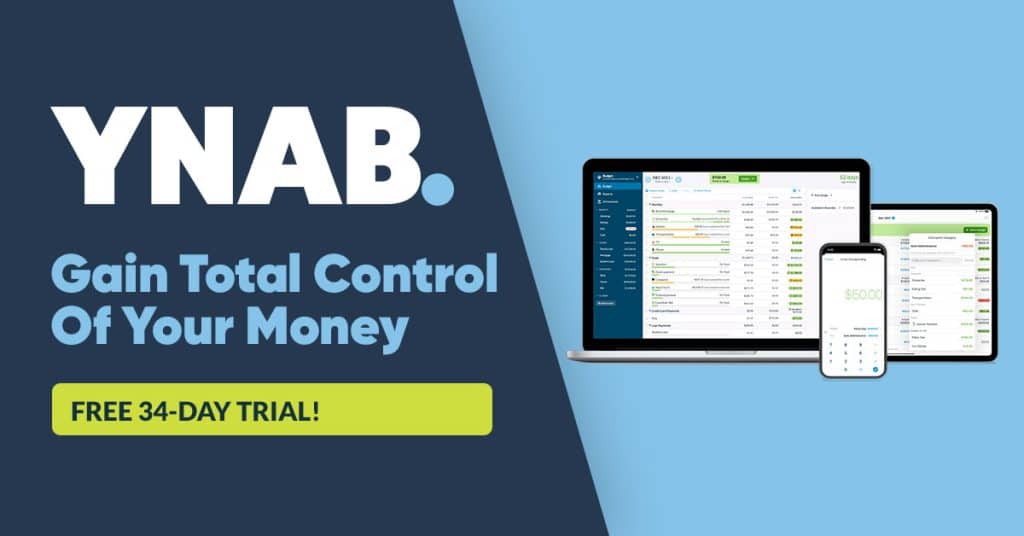
For the meticulous budgeter in you, YNAB offers a hands-on approach built around giving every dollar a job.
It’s especially well suited for people who want to actively manage cash flow, break the paycheck-to-paycheck cycle, or build stronger day-to-day money awareness.
YNAB has a long-standing fan base in the WPF community because it teaches a way of thinking about money, not just tracking it.
That said, it does require ongoing engagement. This is a tool for people who enjoy staying close to the numbers and don’t mind a little friction in exchange for clarity and control.
Tiller (Spreadsheet-Based Budgeting – 30-Day Free Trial)
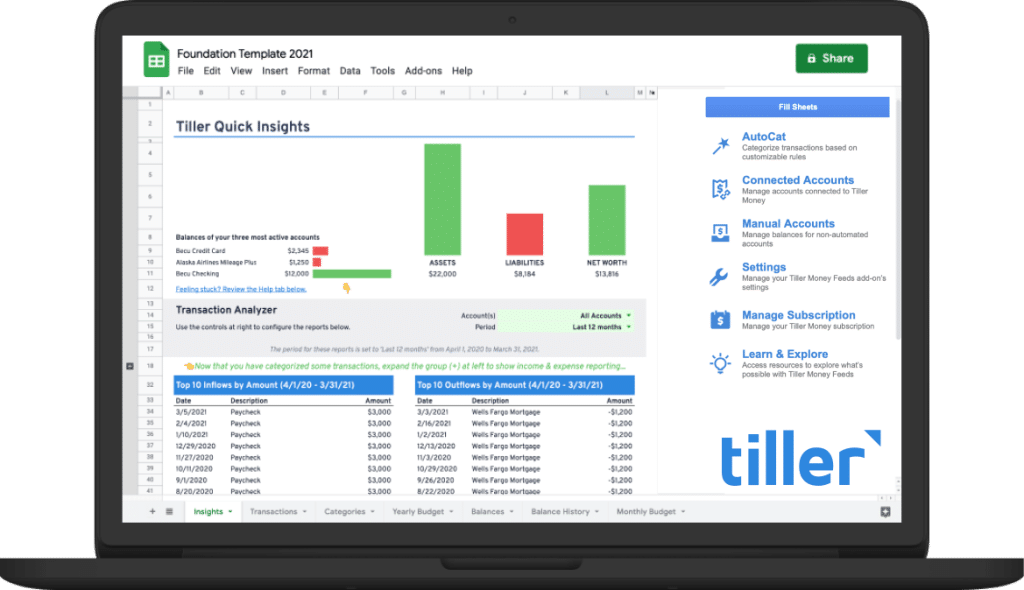
If spreadsheets are your love language, Tiller might be your dream tool.
Instead of forcing you into a pre-built system, Tiller connects directly to your accounts and feeds your data into customizable Google Sheets or Excel templates.
We hear about Tiller constantly in the WPF community, especially from folks who want more control than traditional apps allow or who’ve outgrown simpler budgeting tools.
There’s a learning curve, but the payoff is a system that adapts to you, not the other way around.
If you enjoy tinkering, building dashboards, or tailoring your own money workflows, Tiller can be incredibly powerful. Start your free trial and explore what’s possible when your budget lives in a spreadsheet you control.
“Tiller Money is a tracking and budgeting tool that is fully customizable inside an Excel or Google Sheets spreadsheet... If you’re an Excel pro, and a spreadsheet lover, you’ll love this app.“
-Lauren Boland, WPF Insider and creator of FIREproof
Retirement & Financial Independence Planning
Once you move beyond monthly budgeting, the question becomes: what does your future actually look like — and how do you get there?
These tools help you model, test, and visualize different paths forward.
ProjectionLab WPF Pick (Retirement Planning — 7-Day Free Trial)
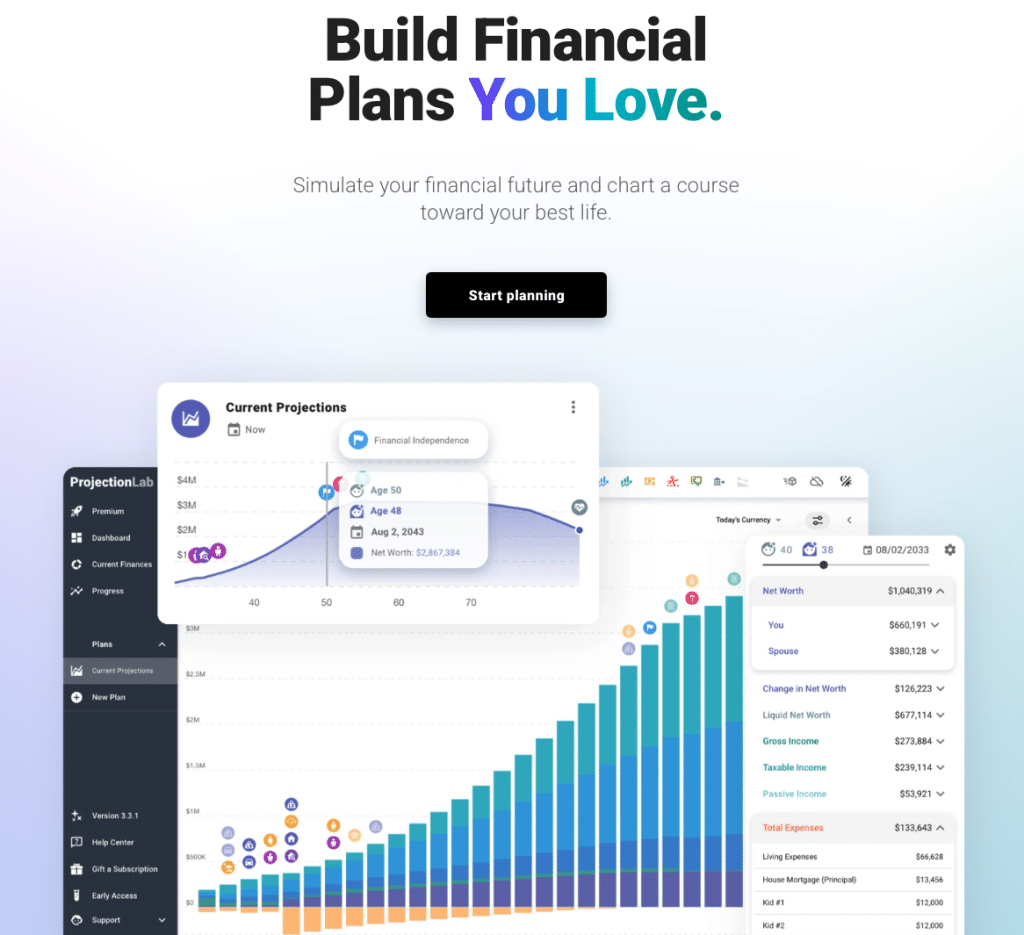
If you’re FIRE-curious or trying to wrap your head around what long-term financial independence could actually look like for your life, ProjectionLab is one of the most useful retirement planning tools out there.
It lets you model real-world scenarios like:
- CoastFI
- early retirement
- changing savings rates
- taking a lower-paying but more values-aligned job
ProjectionLab is especially popular in the WPF community with folks ready to move beyond budgeting into big-picture planning.
It gives you a visual, flexible way to test different paths forward and see how today’s choices affect your future over time.
This isn’t about predicting the future perfectly, it’s about clarity, optionality, and understanding what’s realistically possible.
FIREproof
FIREproof enables you to model, plan, and visualize your retirement – and all that happens along the way.
A retirement planning tool from the creator of cFIREsim.com, a mainstay in the retirement calculator world and FIRE community.
👀 Still figuring it out?
If you’re trying to piece this together on your own, you’re not alone — and you don’t have to do it that way.
Inside WPF Insiders, we:
- talk through budgets in real time
- break down retirement scenarios
- share numbers openly
It’s less “figure it out alone,” more “figure it out together.”